
Shopify catalog
Products, variants, collections, pages and blog articles, kept in sync in the background.
Read the guideIntegrations
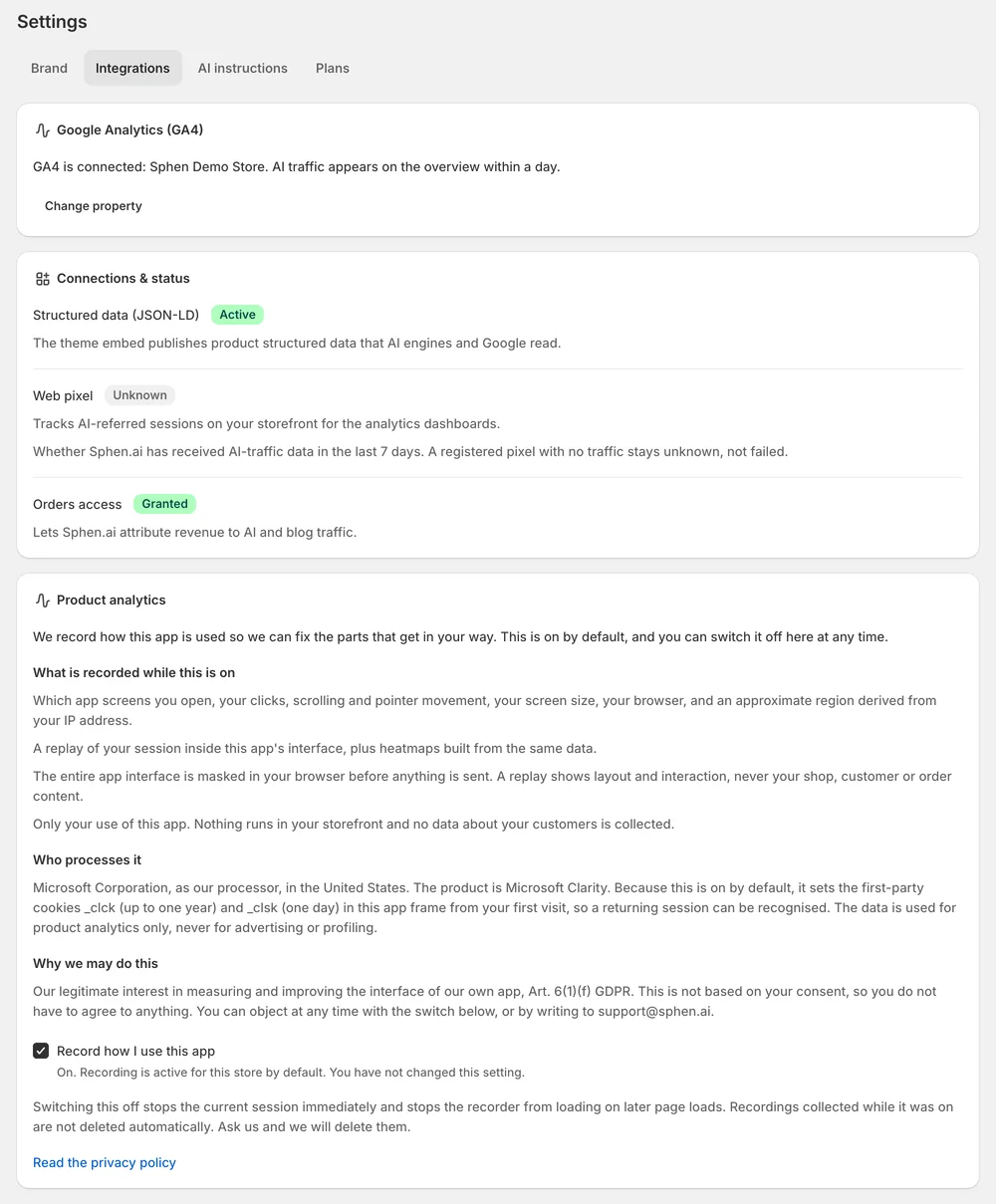
Sphen.ai lives inside your Shopify admin, reads Google data with read-only access, and publishes machine-readable feeds for AI shopping agents.
In short
Sphen.ai runs inside your Shopify admin. It reads your catalog, writes approved changes back to Shopify fields and publishes structured data through theme app embeds. It reads Google Analytics 4 with read-only access, shows Search Console clicks, and publishes product feeds and an agents.md brief for AI shopping agents.
Updated:
Products, variants, collections, pages and blog articles, kept in sync in the background.
Read the guideApproved changes are written to the exact fields, with a before/after and revert.
Read the guideOrganization, Product, BlogPosting, Breadcrumb and FAQPage JSON-LD — no theme code edited.
Read the guideTraffic next to your visibility numbers. Read-only access, revocable anytime.
Read the guideClicks and queries to put AI visibility next to classic search.
Read the guideOpenAI, Google Merchant, JSON-LD and llms-products.txt feeds from your catalog.
Read the guideA brief for AI agents about your store, drafted by Sphen.ai from your catalog and published by you.
Read the guideApproved articles are published or scheduled to the blog you choose.
Read the guideQuestions
No. Structured data is published through theme app embeds that you switch on in the theme editor. Switching an embed off removes its output again, and no theme file is edited by hand.
Read-only access. Sphen.ai reads traffic from Google Analytics 4 to show it next to your visibility numbers. It does not change anything in your Google account, and you can revoke the access in Google at any time.
Four, generated from your synced catalog: an OpenAI product feed, a Google Merchant feed, a JSON-LD export and llms-products.txt. You find them under Settings, in the AI readability tab.
Only what you approve. Approved changes are written to the exact fields named in the recommendation, with a before and after. Approved blog articles are published or scheduled to the blog you choose.
Install Sphen.ai, let it read your store, and decide exactly what goes live.
